Creating a Variable
Variables are the data points on a ControlCom Connect device. Before you can wire an Edge Server client (Modbus, BACnet, OPC UA, etc.) to a register, the variable that will receive its value must already exist on the device. This guide walks through creating one.
Prerequisites
- This guide requires the ControlCom Edge Server to be onboarded. See our Onboarding Guide for the Edge Server to get started.
Steps
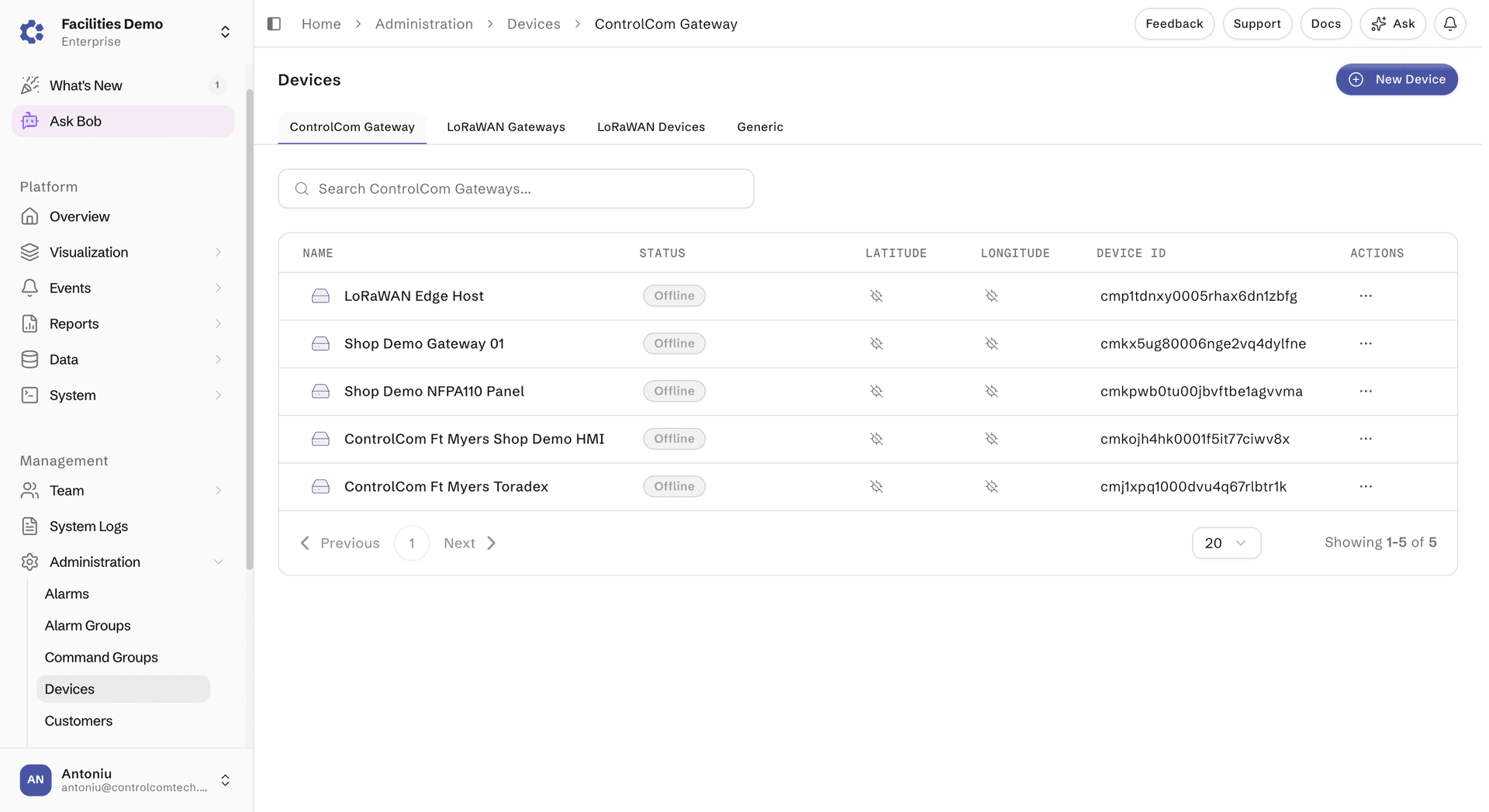
- Navigate to Administration > Devices
- Select an onboarded device
- In the device page, click the Variables tab
- Click the "+ New Variable" button
- Enter the Variable Name, Description, Topic Property path
- Select the Type of the data with options boolean, number, or string.
- Enable the Store Data toggle if wanting to view historical values through Visualization
- Important Note If Store Data is disabled, it will still allow live data to come into the system for viewing, but the system will not save the data and you will not be able to visualize it
- Click the "Add Variable" button


Next Steps
Once a variable exists on the device, you can point a client at it. See Reading Modbus Data for an end-to-end example that uses the variable you just created as the Topic Property Path for a Modbus tag.